Skip to content
View in the app

A better way to browse. Learn more.

Computerclub Mötz

A full-screen app on your home screen with push notifications, badges and more.

To install this app on iOS and iPadOS
  1. Tap the Share icon in Safari
  2. Scroll the menu and tap Add to Home Screen.
  3. Tap Add in the top-right corner.
To install this app on Android
  1. Tap the 3-dot menu (⋮) in the top-right corner of the browser.
  2. Tap Add to Home screen or Install app.
  3. Confirm by tapping Install.

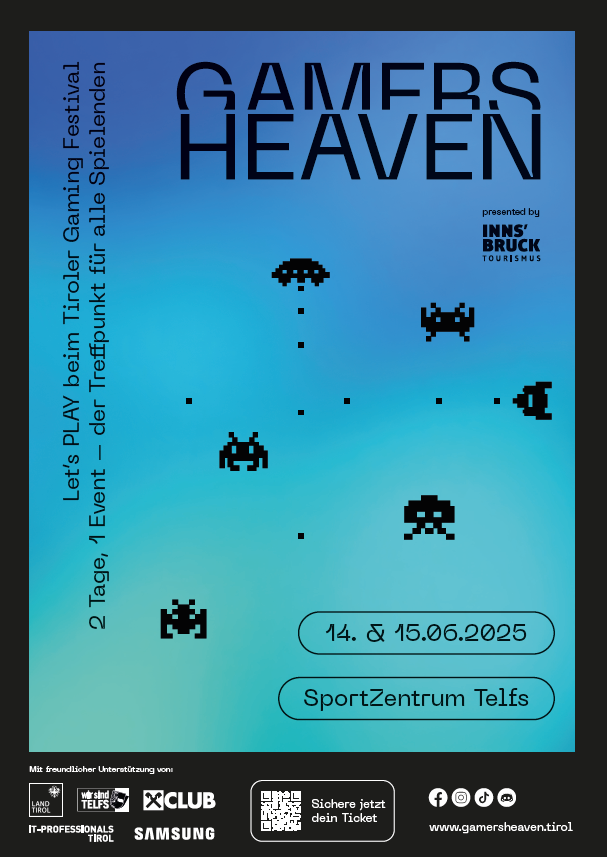
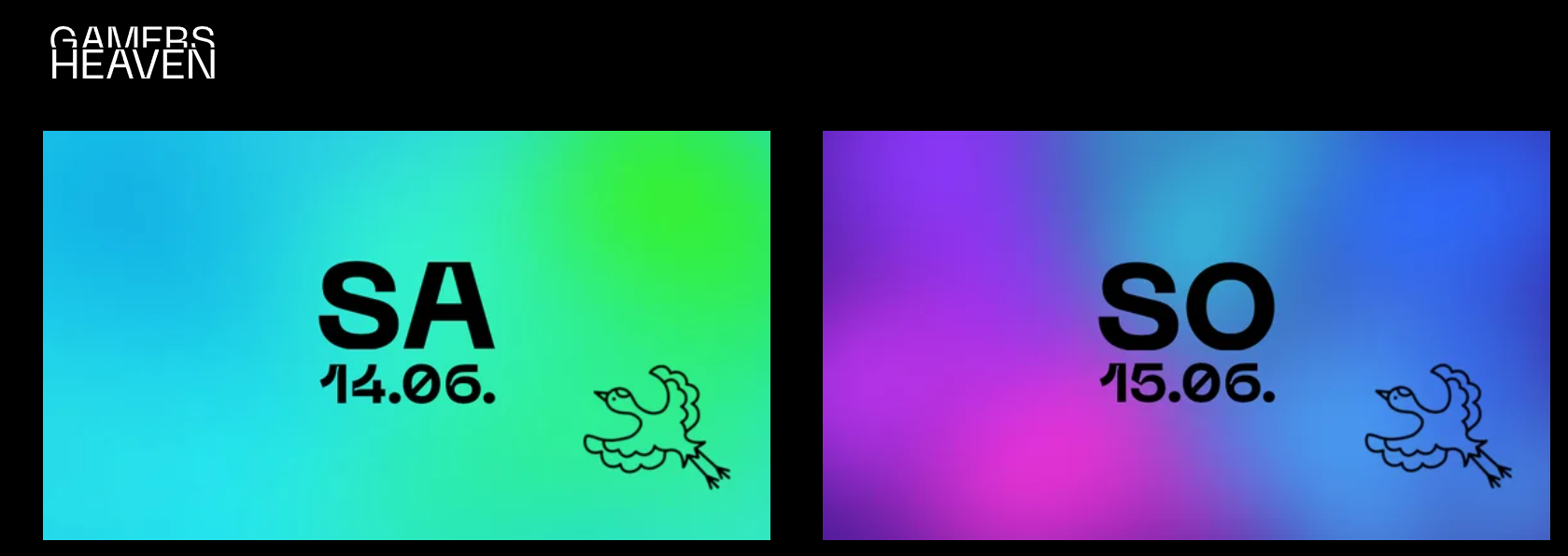
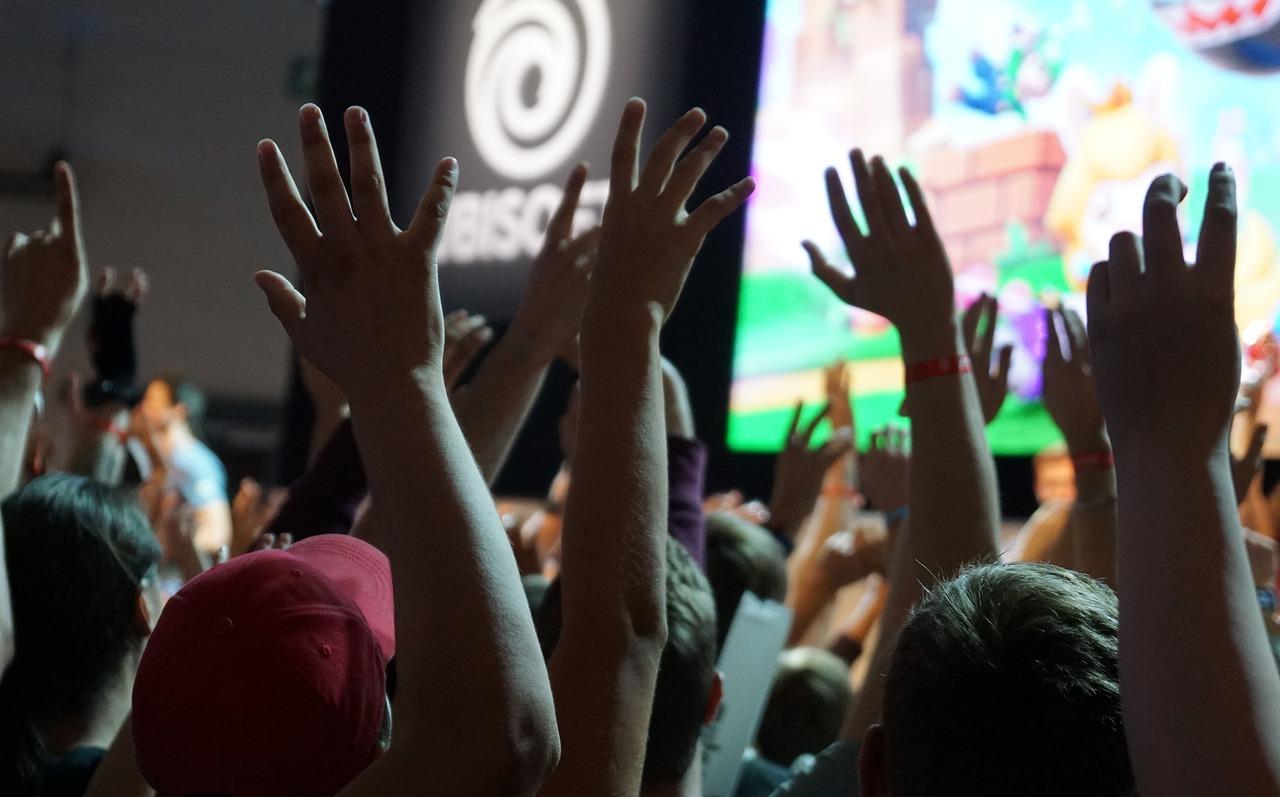
GamersHeaven 2025 | 14. & 15.06.2024 | Sportzentrum Telfs
GH_2025.png


www.gamersheaven.tirol


Auch wir sind heuer wieder gemeinsam mit dem CCZ auf GH vertreten.
 

Wir würden uns freuen, wenn ihr uns an unserem Stand besuchen kommt!

Hier gibts die TICKETS

image.png

0 Comments

Recommended Comments

There are no comments to display.

Join the conversation

You are posting as a guest. If you have an account, sign in now to post with your account.
Note: Your post will require moderator approval before it will be visible.

Guest
Add a comment...

Account

Navigation

Configure browser push notifications

Chrome (Android)
  1. Tap the lock icon next to the address bar.
  2. Tap Permissions → Notifications.
  3. Adjust your preference.
Chrome (Desktop)
  1. Click the padlock icon in the address bar.
  2. Select Site settings.
  3. Find Notifications and adjust your preference.