

Skip to content
View in the app

A better way to browse. Learn more.

Computerclub Mötz

A full-screen app on your home screen with push notifications, badges and more.

To install this app on iOS and iPadOS
  1. Tap the Share icon in Safari
  2. Scroll the menu and tap Add to Home Screen.
  3. Tap Add in the top-right corner.
To install this app on Android
  1. Tap the 3-dot menu (⋮) in the top-right corner of the browser.
  2. Tap Add to Home screen or Install app.
  3. Confirm by tapping Install.

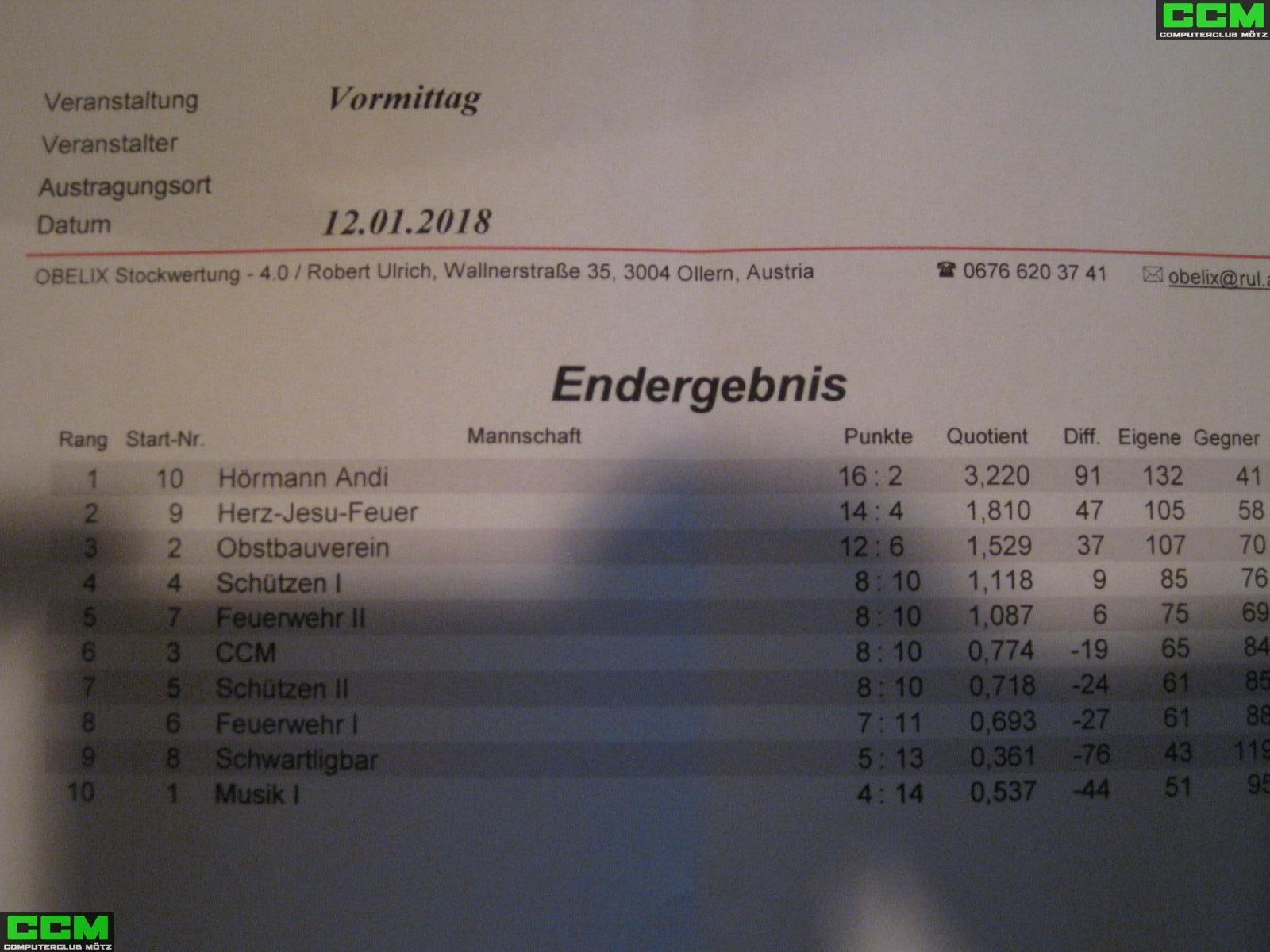
CcM @ Eisstockschießen 2018
Am 13.01.2018 waren wir beim Stockturnier des ESK Mötz dabei, wir hatten wie immer sehr viel Spaß, wie man auf den Fotos sehen kann.

large.IMG_3494.JPGlarge.IMG_3594.JPG

Vielleicht bekommen wir 2019 ja wieder einmal 2 Mannschaften zusammen :). CcM #1 vs. CcM #2 ... :)

Alle Fotos vom Turnier findest du hier:


0 Comments

Recommended Comments

There are no comments to display.

Join the conversation

You are posting as a guest. If you have an account, sign in now to post with your account.
Note: Your post will require moderator approval before it will be visible.

Guest
Add a comment...

Account

Navigation

Configure browser push notifications

Chrome (Android)
  1. Tap the lock icon next to the address bar.
  2. Tap Permissions → Notifications.
  3. Adjust your preference.
Chrome (Desktop)
  1. Click the padlock icon in the address bar.
  2. Select Site settings.
  3. Find Notifications and adjust your preference.